# Editing Gemstones in Photos: Making Stones Shine
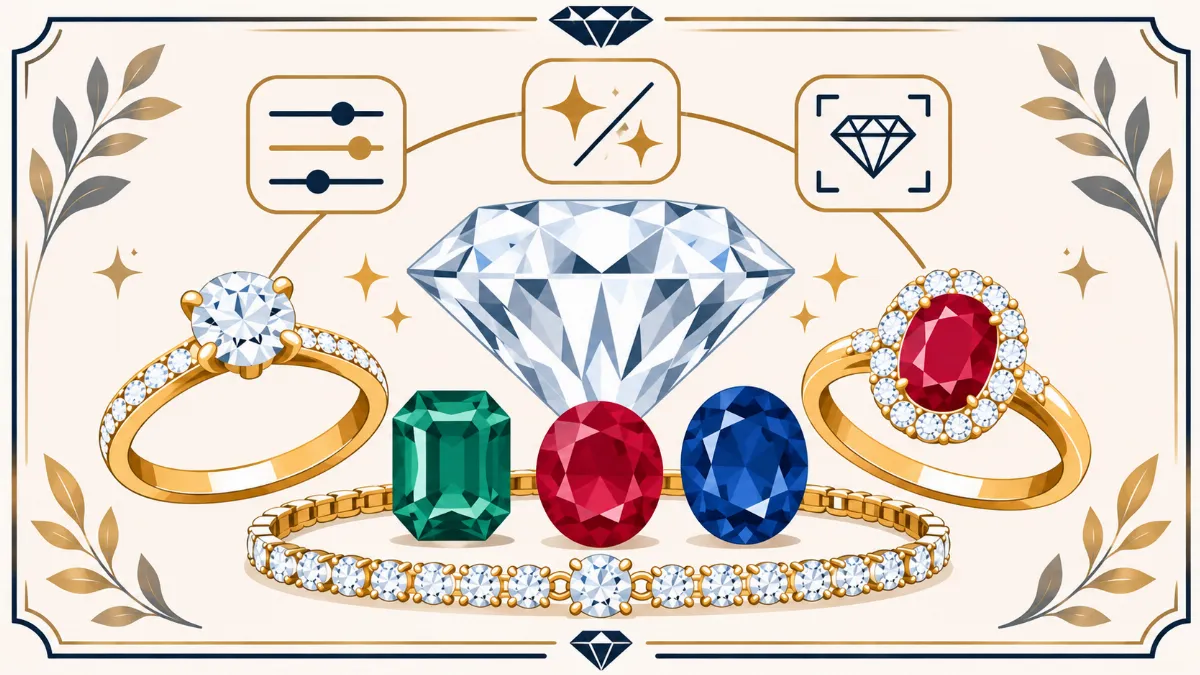
Gemstones are often the main attraction in jewelry photographs. From sparkling diamonds to deep blue sapphires, rich red rubies, and green emeralds, each stone has its own appearance, color, and reflective characteristics.
However, photographing gemstones is not always simple.
A diamond may appear dull because of poor lighting. An emerald may look too dark, while a ruby may appear orange or pink because of incorrect white balance. Even professionally photographed gemstones can contain distracting reflections, dust, and areas that lack visible detail.
This is where gemstone photo editing becomes useful.
Learning **how to edit gemstones in photos** involves correcting exposure, managing reflections, refining existing facets, and maintaining accurate gemstone colors.
The goal is to make the gemstone easier to examine while preserving its real appearance.
Professional editing should not change the stone's size, cut, shape, inclusions, or natural characteristics. Instead, it should correct photographic problems that prevent customers from seeing the jewelry clearly.
For jewelry businesses, accurate gemstone photographs are particularly important because customers rely on product images when comparing stones online.
In this guide, we will discuss practical techniques for editing diamonds, emeralds, rubies, sapphires, and other gemstones. You will learn how to improve clarity, manage glare, sharpen existing details, and prepare jewelry photographs for online stores.
We will also explain common editing mistakes and how professional gemstone retouching can support jewelry photography businesses.
1. Why Gemstone Photo Editing Matters
Gemstones contain small details that can be difficult to reproduce in photographs.
Their appearance depends on the material, cut, lighting, camera angle, and surrounding environment.
Show Existing Gemstone Details
A gemstone may contain visible facets, internal characteristics, and natural color variations.
Careful editing can help make these existing details easier to see.
Correct Photography Problems
Dust, fingerprints, unwanted color casts, and distracting reflections may reduce image quality.
Editing can correct many of these problems without changing the gemstone itself.
Maintain Accurate Product Colors
Customers may compare gemstones based on their photographs.
Incorrect color correction can make a sapphire appear too purple or an emerald appear unnaturally green.
Support Online Jewelry Sales
Clear photographs help customers examine gemstone shapes, settings, and visible characteristics.
Accurate product presentation is particularly important when selling fine jewelry online.
Create Consistent Product Catalogs
Jewelry brands often photograph many gemstones under different lighting conditions.
Editing can help maintain consistent backgrounds and overall presentation.
2. Understand How Different Gemstones Reflect Light
Not all gemstones behave the same way under lighting.
Their optical properties influence how they appear in photographs.
Diamonds
Diamonds can produce strong white reflections and colored flashes.
Their appearance depends on cut quality, lighting, and viewing angle.
Emeralds
Emeralds often contain visible internal characteristics and may show uneven color distribution.
Their appearance can vary significantly under different lighting conditions.
Rubies
Rubies may display red, pinkish-red, or purplish-red tones.
Lighting and white balance can influence how these colors appear in photographs.
Sapphires
Sapphires occur in many colors, including blue, pink, yellow, and green.
Blue sapphires can appear too dark when photographed under unsuitable lighting.
Opals and Pearls
Opals may display shifting color patterns, while pearls have a softer reflective appearance.
Both require careful handling during photography and editing.
Understanding these differences helps editors choose suitable corrections.
3. Start With a High-Quality Original Photograph
The quality of the original photograph affects the editing process.
A well-prepared image provides more flexibility for color correction and detail refinement.
Clean the Jewelry Before Photographing
Remove loose dust and fingerprints using cleaning methods appropriate for the gemstone and setting.
Some gemstones are sensitive to chemicals, heat, or moisture.
Use Controlled Lighting
Position light sources carefully to reveal gemstone details without creating excessive glare.
Choose the Right Camera Angle
Different angles may show different facets and reflections.
Photograph the gemstone from an angle that accurately represents its appearance.
Use a Macro Lens
A macro lens can help photograph small gemstones and intricate settings.
Shoot in RAW
RAW files generally provide more flexibility for adjusting exposure and white balance.
Keep the original files for reference.
4. How to Correct Gemstone Exposure
Exposure affects the visibility of gemstone details.
If a photograph is too dark, important facets may become difficult to see.
If it is too bright, highlights may lose detail.
Adjust Overall Exposure
Begin with a moderate exposure correction.
Avoid making the entire photograph unnaturally bright.
Recover Available Highlight Detail
Use highlight adjustments to reduce overly bright areas where image information remains.
Completely clipped highlights may not contain recoverable detail.
Improve Dark Areas Carefully
Local shadow adjustments can make existing gemstone details easier to see.
However, avoid making naturally dark gemstones appear significantly lighter than the actual product.
Maintain Natural Contrast
Gemstones need realistic differences between lighter and darker facets.
Removing these differences can make the stone appear flat.
Compare With the Original
Review the adjusted image beside the original photograph.
Confirm that the stone still looks realistic.
5. How to Correct Gemstone Colors
Color accuracy is one of the most important parts of gemstone photo editing.
Different lighting conditions can introduce unwanted color casts.
Begin With White Balance
Check the photograph for excessive yellow, blue, green, or magenta tones.
Use a neutral reference when available.
Adjust Colors Selectively
Use local color adjustments when only one part of the gemstone needs correction.
Avoid changing the surrounding metal unnecessarily.
Preserve Natural Color Variation
Some gemstones contain areas with different tones or saturation.
Do not remove these characteristics automatically.
Avoid Excessive Saturation
Increasing saturation too much can make gemstones appear different from the actual product.
Use Reliable References
Whenever possible, compare the edited photograph with the physical gemstone under suitable viewing conditions.
6. How to Edit Diamond Photos
Diamonds require careful editing because their facets and reflections contribute strongly to their appearance.
Improve Existing Facet Visibility
Use selective contrast and sharpening to make existing facet boundaries easier to see.
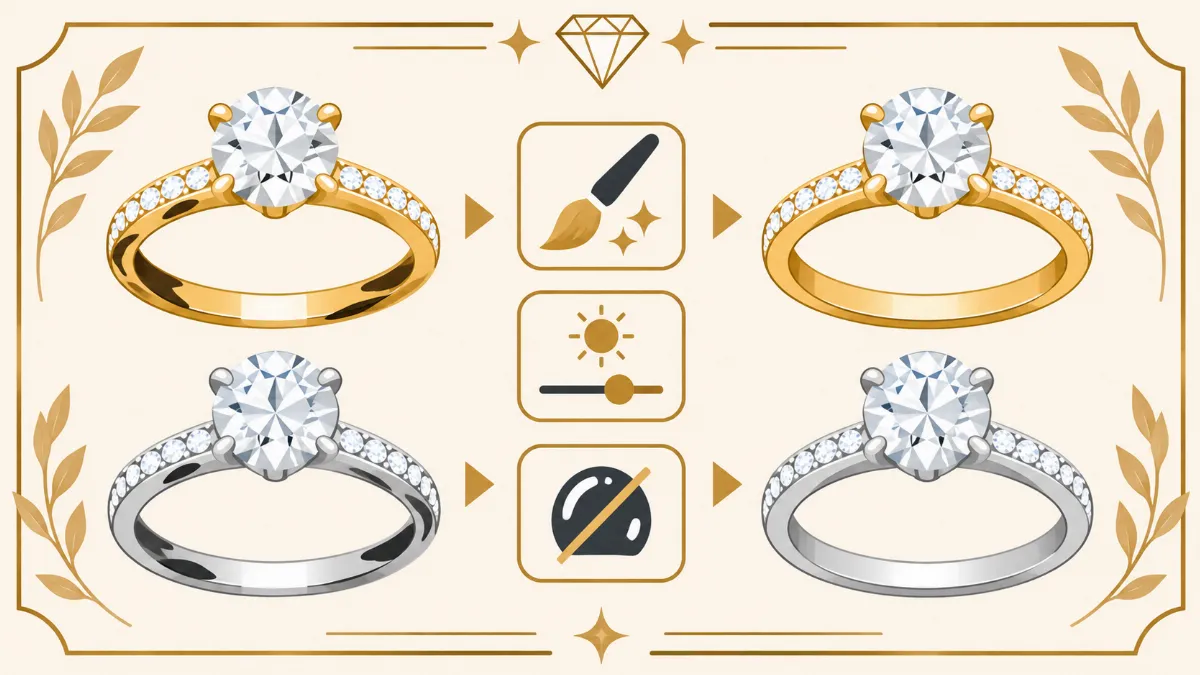
Reduce Distracting Reflections
Remove or reduce unwanted reflections that obscure important details.
Maintain natural white reflections and darker facet areas.
Preserve Diamond Color
Avoid making a diamond appear whiter or more colorless than it actually is.
Avoid Artificial Sparkle
Adding excessive star-shaped sparkle effects can make a diamond photograph look unrealistic.
Maintain Stone Proportions
Do not enlarge the diamond, alter its cut, or change its position within the setting.
7. How to Edit Emerald Photos
Emeralds often have complex internal characteristics and rich green colors.
These features require careful handling.
Maintain Natural Green Tones
Correct unwanted color casts without making the emerald excessively saturated.
Improve Visible Facets
Use local adjustments to make existing facet edges easier to examine.
Preserve Inclusions
Natural inclusions can be important gemstone characteristics.
Do not erase them from product photographs in a way that misrepresents the stone.
Control Harsh Glare
Reduce distracting surface glare when possible.
Avoid Overbrightening
Excessive brightness may make the emerald appear lighter than the actual gemstone.
8. How to Edit Ruby Photos
Rubies are known for their red appearance, but their colors can vary.
Photographs may sometimes make them appear orange, pink, or purple.
Correct White Balance
Begin by checking the overall lighting color.
Maintain Accurate Red Tones
Use selective color adjustments only when necessary.
Preserve Internal Characteristics
Avoid removing real inclusions or natural color variations.
Improve Existing Detail
Apply careful local contrast and sharpening.
Avoid Artificial Color Changes
Do not increase saturation simply to make the ruby appear more valuable.
9. How to Edit Sapphire Photos
Sapphires are available in several colors, with blue being among the most familiar.
Blue sapphires can be challenging to photograph because some stones appear very dark.
Correct Unwanted Color Casts
Adjust white balance carefully.
Improve Shadow Visibility
Use local adjustments to reveal existing details without changing the stone's true color.
Preserve Natural Blue Tones
Avoid making a sapphire more vivid than it appears in reality.
Maintain Facet Contrast
Preserve natural differences between lighter and darker areas.
Check the Metal Setting
Make sure gemstone adjustments do not unintentionally change nearby gold or silver colors.
10. How to Remove Dust and Fingerprints from Gemstone Photos
Macro photographs often reveal small particles on gemstone surfaces.
These distractions can reduce image clarity.
Use the Healing Brush
The Healing Brush can remove isolated dust spots.
Work with a small brush size.
Use the Clone Stamp Carefully
The Clone Stamp may help repair areas where automatic healing produces unwanted results.
Choose source areas with similar texture and lighting.
Avoid Editing Real Inclusions
Distinguish temporary surface dust from internal gemstone characteristics.
Protect Facet Boundaries
Do not blur or remove the edges between gemstone facets.
Review at Full Resolution
Inspect the final image at 100% zoom to identify editing artifacts.
11. How to Remove Unwanted Reflections from Gemstones
Gemstones reflect light from their surroundings.
Some reflections help define their shape, while others may obscure details.
Identify Distracting Reflections
Look for unwanted camera reflections, harsh glare, or distracting color patches.
Use Local Adjustment Layers
Masks and adjustment layers can limit corrections to affected areas.
Preserve Natural Reflections
Do not remove every light and dark reflection.
These variations contribute to the gemstone's real appearance.
Avoid Reconstructing Facets
If glare completely hides a facet, do not invent its appearance.
A reshoot may be more appropriate.
Compare Before and After
Confirm that reflection cleanup has not changed the gemstone's actual characteristics.
12. How to Sharpen Gemstone Facets
Sharpening can help existing gemstone details appear more defined.
However, excessive sharpening can introduce false edges and unnatural textures.
Use Selective Sharpening
Apply sharpening to existing facet boundaries rather than the entire photograph.
Avoid Strong Global Sharpening
Global sharpening may increase background noise and create halos.
Maintain Natural Facet Shapes
Do not redraw or invent gemstone facets.
Check Prongs and Settings
Inspect the surrounding jewelry components after sharpening.
Know When to Reshoot
If a gemstone is severely out of focus, sharpening may not restore accurate detail.
13. How to Make Gemstones Look Naturally Sparkly
Gemstone sparkle depends largely on the lighting, gemstone cut, and camera angle.
Photo editing can improve the presentation of existing sparkle, but it should not invent unrealistic optical effects.
Preserve Existing Highlights
Maintain natural white reflections and colored flashes where they appear in the original photograph.
Adjust Local Contrast
Careful contrast adjustments can make existing facet differences more visible.
Avoid Excessive Glow
Strong glow effects can obscure gemstone details.
Use Controlled Lighting During Photography
Small changes in light placement can reveal different reflections.
Maintain Realistic Results
The finished photograph should resemble the actual gemstone.
14. Common Gemstone Photo Editing Mistakes
Several mistakes can make gemstone photographs inaccurate or artificial.
Increasing Saturation Too Much
Excessive saturation can misrepresent gemstone color.
Removing Natural Inclusions
Real internal characteristics should remain visible in product photographs.
Inventing New Facets
Artificial facet reconstruction can change the gemstone's appearance.
Adding Too Much Sparkle
Decorative sparkle effects may distract from the actual stone.
Overusing Sharpening
Strong sharpening can create halos and false textures.
Changing Stone Size
Do not enlarge gemstones or modify their proportions.
Ignoring Metal Colors
Editing the gemstone should not unintentionally change the surrounding jewelry setting.
15. Preparing Gemstone Photos for E-Commerce
Online jewelry stores need accurate product images that show important gemstone characteristics.
Use Clean Backgrounds
White, ivory, and neutral backgrounds are common for product listings.
Include Multiple Angles
Different views can help customers examine gemstone shapes and settings.
Maintain Consistent Exposure
Related product photographs should have a similar overall presentation.
Preserve Gemstone Accuracy
Do not change stone color, size, shape, or visible characteristics.
Optimize Image Files
Export suitable dimensions and formats for the intended website.
JPEG, WebP, and AVIF may be appropriate depending on platform support.
Write Descriptive Alt Text
Describe the actual jewelry and gemstone.
For example, "Yellow-gold engagement ring with oval emerald gemstone on white background."
16. When Should You Hire a Professional Gemstone Photo Retoucher?
Some gemstone photographs require only basic color and exposure adjustments.
Others need detailed reflection cleanup, precise masking, and careful sharpening.
Complex Gemstone Settings
Small prongs and intricate metalwork require precise editing.
Large Jewelry Collections
Businesses processing many product photographs may benefit from outsourcing.
Difficult Reflections
Professional retouching can help reduce distracting reflections while preserving natural gemstone details.
Consistent Product Catalogs
Editing services can help maintain consistent backgrounds and image standards.
Accurate Product Representation
A reliable retoucher should preserve gemstone color, size, cut, inclusions, and placement.
At **Photo Editing Company**, jewelry photo editing services support photographers, retailers, and e-commerce businesses.
Our services include gemstone retouching, reflection cleanup, background removal, color correction, and detailed jewelry photo editing.
17. Frequently Asked Questions About Gemstone Photo Editing
How Do You Make Gemstones Shine in Photos?
Use controlled lighting, accurate exposure, and careful local contrast adjustments. Preserve existing highlights and facets rather than adding artificial sparkle.
Can You Make Diamonds Look Clearer in Photoshop?
Photoshop can improve the visibility of existing details through careful exposure, contrast, and sharpening adjustments. It should not change the diamond's actual clarity characteristics.
How Do You Edit Emerald Photos?
Correct unwanted color casts, maintain natural green tones, reduce distracting reflections, and preserve the stone's inclusions and existing facets.
How Do You Make Rubies Look More Red in Photos?
First check white balance and lighting accuracy. Correct unwanted photographic color casts, but do not exaggerate the ruby's actual red color.
Can You Remove Reflections from Gemstones?
Some distracting reflections can be reduced using local editing techniques. Natural reflections should remain where they contribute to the stone's appearance.
Should Gemstone Inclusions Be Removed?
For accurate product photography, genuine inclusions should generally remain visible. Removing them may misrepresent the gemstone.
Is Professional Gemstone Retouching Worth It?
Professional retouching can be useful for complex gemstone photographs, large product collections, and businesses that need consistent, accurate images.
Conclusion
Editing gemstones in photos requires careful attention to color accuracy, natural reflections, existing facets, and small product details.
Diamonds, emeralds, rubies, sapphires, and other gemstones have different optical characteristics, so they should not all receive the same editing treatment.
Begin with a high-quality original photograph and correct exposure and white balance.
Remove temporary distractions such as dust and fingerprints, reduce unwanted glare, and apply selective sharpening where necessary.
Avoid changing gemstone size, cut, color, inclusions, or other real characteristics.
The goal is to make the gemstone easier to examine while maintaining its natural appearance.
For jewelry businesses, accurate gemstone photographs support professional product catalogs and help customers evaluate jewelry before purchasing.
**Need professional gemstone photo editing?**
Photo Editing Company provides jewelry retouching, gemstone detail correction, reflection cleanup, background removal, and color correction for jewelry photographers, retailers, and online stores.