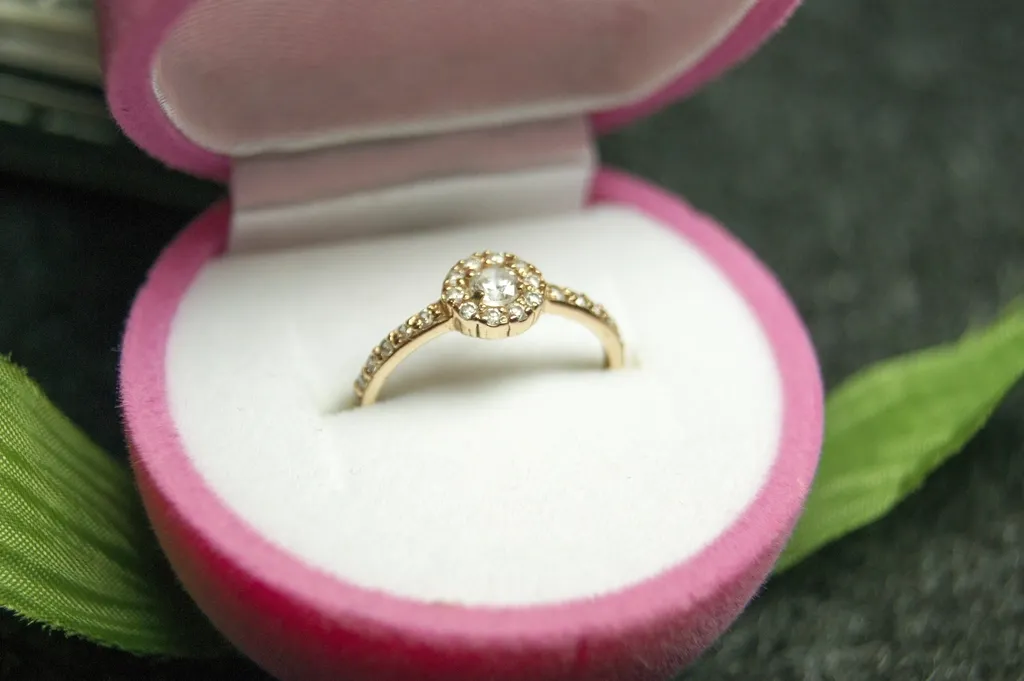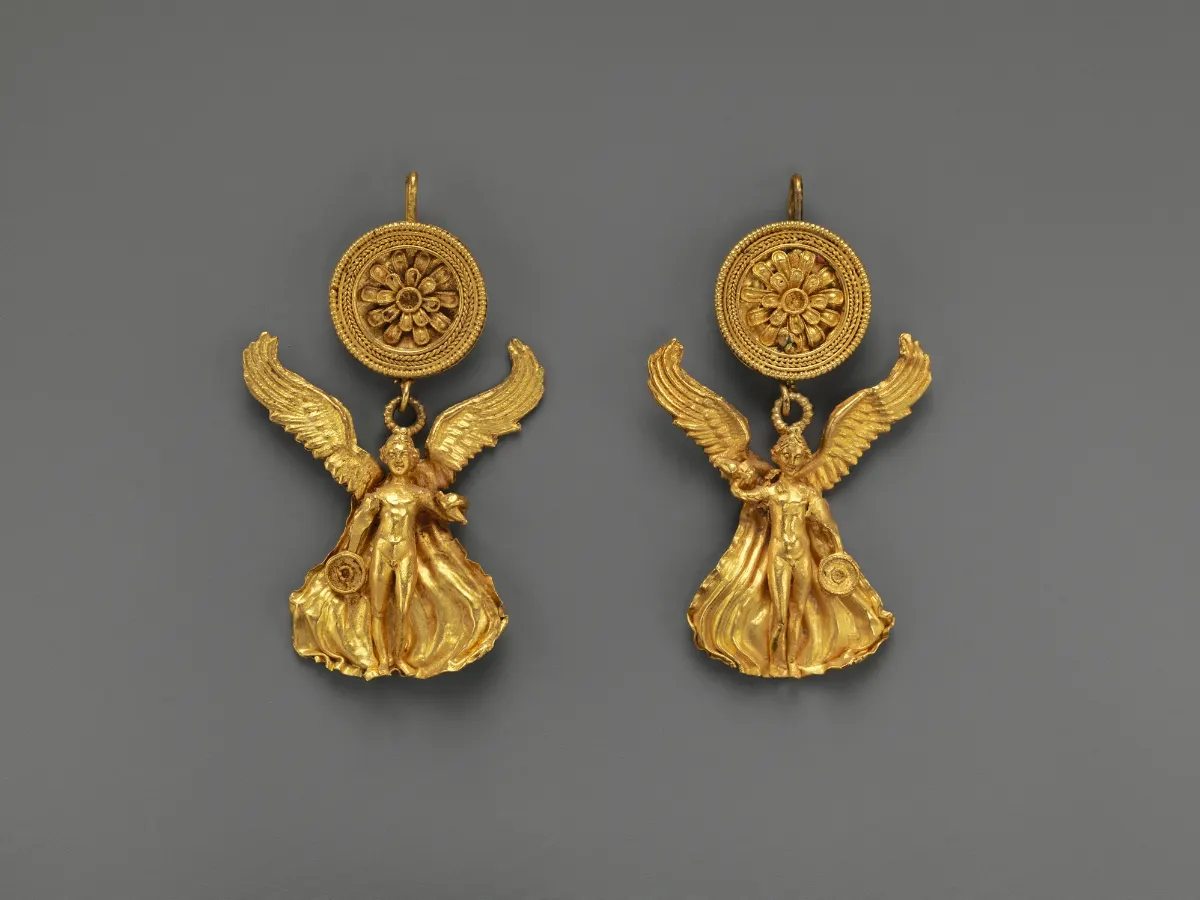
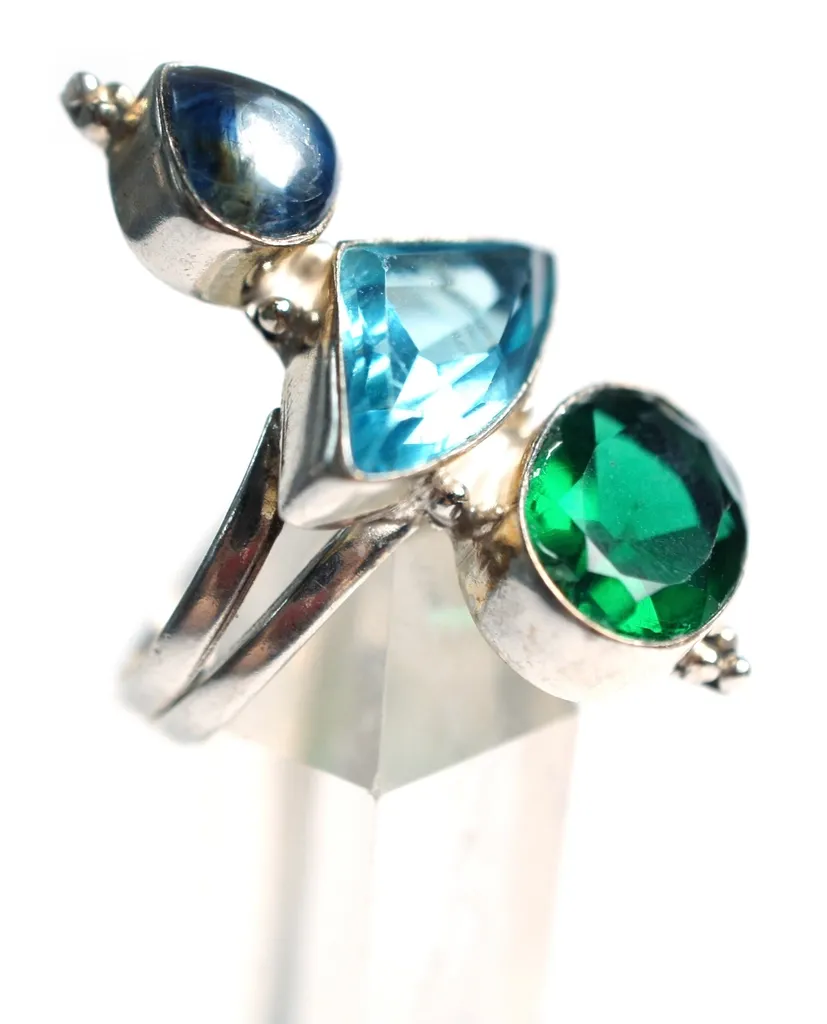
If you sell jewelry online, your photos do the job a shop counter used to do. Shoppers cannot pick up a ring, turn it in the light or look closely at the stones, so they judge everything from the image. Dust, a dull gold tone or a grey cast across a diamond can quietly cost you sales, even when the piece itself is beautiful.
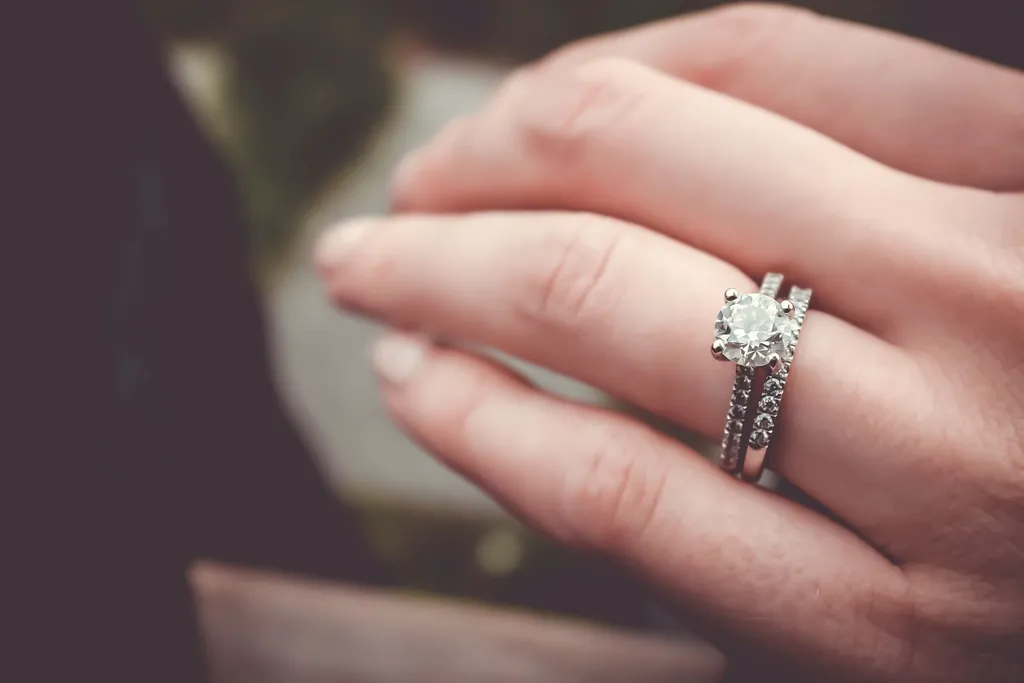
A jewelry photo retouching service fixes those problems for you. This guide explains what professional jewelry retouching actually includes, how the process works from upload to delivery, what affects the price, how to write a brief that gets the result you want, and how to check the quality of the finished images before they go live. It is written for online stores, jewelry brands, photographers and marketplace sellers who are deciding whether to outsource their editing.
What Is a Jewelry Photo Retouching Service?
A jewelry photo retouching service is a team of image editors who take your original product photos and prepare them for sale. They clean, correct and enhance each image by hand, usually in Adobe Photoshop, so the piece looks accurate, sharp and consistent with the rest of your catalog.
Jewelry needs specialist editors because it is one of the hardest product types to retouch. Polished metal reflects the studio, the camera and the photographer. Faceted stones change color with whatever is around them. Fine chains, prongs and filigree are tiny and easy to damage with a careless selection. A general photo editor can remove a background, but a jewelry retoucher knows how to keep a diamond bright, a chain intact and a gold tone true to the real piece.
What Does Jewelry Photo Retouching Include?
Most professional services offer a menu of edits. You choose what each image needs, and the editors combine them into one finished photo. For a detailed look at each option, see our guide to the different jewelry retouching services.
Dust, scratch and fingerprint removal
Even freshly polished jewelry picks up dust, lint and fingerprints under studio lights, and close-up lenses make them obvious. Editors remove these marks while keeping the real metal texture. See our dust and scratch clean-up service for examples.
Background removal and clipping paths
The product is separated from its background so it can be placed on pure white, a transparent background or a brand color. For jewelry this is usually done with a hand-drawn clipping path rather than an automatic cut-out, so chains and prongs keep clean edges. Our guide to editing and clipping your jewelry photos walks through the process step by step.
Metal polishing and color correction
Gold can look green or brassy, silver can look grey, and rose gold can drift towards orange under mixed lighting. Retouchers correct the tone so it matches the real piece, and can restore a bright, even polish with metal shine retouching.
Diamond and gemstone enhancement
Stones are cleaned up so facets look crisp and bright instead of muddy. This is careful work: the goal is to show the stone as it really looks, not to add sparkle that is not there. Our diamond polishing service covers this edit.
Shadows and reflections
A product floating on pure white looks flat and unreal. A soft natural shadow or a subtle reflection grounds the piece and makes it look like a real object. See jewelry shadow creation and reflection masking.
Recoloring and variant images
If a ring comes in yellow, white and rose gold, editors can create the extra color variants from one photo with gold or silver recoloring. This saves reshooting every version, as long as the result matches the real product.
How the Jewelry Retouching Process Works
A good service follows a clear, predictable process. While the details vary between providers, it usually looks like this.
Step 1: Send your images and instructions
You upload your original photos, ideally in the highest quality your camera produces, along with a short brief describing the edits you need. Most services, including ours, let you upload images online.
Step 2: Free test edit
Reputable services will edit one to three sample images for free so you can judge the quality on your own products. Use this to check edges, stone clarity and metal tone before you commit to a larger order.
Step 3: Style guide and pricing
Once you approve the sample, the team records your preferences, such as background color, margins, shadow style and file format, so every future image matches. You receive a price based on the edits and volume.
Step 4: Editing and quality control
Editors retouch each image, then a second person checks it against your brief. This review step is what separates a professional service from a single freelancer working alone.
Step 5: Delivery and revisions
Finished images are delivered in the format and size you requested. If anything does not match the brief, you ask for a revision, which should be included in the price.
How Much Does Jewelry Photo Retouching Cost?
There is no single price, because jewelry images range from a simple stud earring to a complex diamond necklace. Most services price per image, and the main factors are:
- The number of edits: a background removal costs less than full high-end retouching.
- The complexity of the piece: chains, clusters of small stones and open settings take longer.
- Volume: larger or regular orders usually get a lower price per image.
- Turnaround: faster delivery can cost more.
- Output: extra variants, recolors or several sizes for different marketplaces add work.
The best way to get an accurate figure is to send a few typical images and ask for a quote. Be cautious of prices that seem far below the market, because jewelry quality depends on careful manual work, and very cheap editing often means automatic tools with no proper review.
How to Write a Retouching Brief That Gets Results
Clear instructions are the fastest way to get images you are happy with the first time. Include these points in your brief:
- Background: pure white, transparent, a specific color or a lifestyle scene.
- Shadow: none, soft drop shadow, natural shadow or reflection.
- Crop and margins: for example, square images with the product filling a set share of the frame.
- Metal and stone notes: the exact metal color and any stone you want handled carefully.
- What must not change: real flaws, hallmarks or engraving that buyers should see.
- Output: file format, color profile, pixel size and file naming.
- Reference images: one or two finished photos you like, from your own store or a brand you admire.
If you sell on several channels, mention each one. Marketplaces and shopping platforms publish their own image guidelines, and Google, for example, recommends product images of around 1500 x 1500 pixels or larger.
How to Check the Quality of Retouched Jewelry Photos
Do not judge retouching at thumbnail size. Open each image at 100 percent and look for these signs of quality:
- Clean edges around chains, prongs and the inside of hoops, with no halos or grey fringes.
- Stones that are clear and bright, with no missing facets or areas cut away.
- Metal that keeps a natural texture and does not look plastic or painted.
- Color that matches the real piece in daylight.
- Consistent size, position and shadow across the whole set.
- No over-editing that hides real details or makes the product look different from what the buyer will receive.
Accuracy matters more than glamour. A photo that shows the real piece honestly builds trust and reduces returns, while an image that promises more sparkle than the product delivers leads to disappointed customers.
AI Editing Tools vs a Professional Retouching Service
Free and low-cost AI tools have become useful for quick jobs, and our guide to the AI jewelry photo editor online free tools explains what they do well. The difference shows up in the details:
- Speed: AI is instant; a professional service usually takes hours to a day or two, depending on volume.
- Fine detail: AI often struggles with chains, open settings and clear stones; retouchers mask these by hand.
- Accuracy: AI applies general enhancement; retouchers match metal and stone color to the real product.
- Consistency: AI results vary between photos; a service follows one style guide across your catalog.
- Review: AI has no human check; a professional service includes quality control and revisions.
Many brands combine both: AI tools for quick social content, and a professional service for the main product images that drive sales.
When Should You Outsource Jewelry Retouching?
Outsourcing makes sense when:
- You have more images than you have time to edit well.
- Your products are high value and must look flawless at full zoom.
- Your current photos look inconsistent from one listing to the next.
- You are launching a new collection, website or marketplace store.
- Listings are being rejected because images do not meet a platform's rules.
If only a few images need work, you may be able to handle them yourself. Once editing starts to slow down your product launches, a specialist service usually costs less than the time it takes.
Frequently Asked Questions
What is jewelry photo retouching?
Jewelry photo retouching is the process of editing product photos of rings, necklaces, earrings and other pieces so they look clean, accurate and ready to sell. It typically includes dust removal, background removal, metal and color correction, stone enhancement and adding a natural shadow or reflection.
How long does jewelry photo retouching take?
It depends on the number of images and the edits required. Simple background removal can be very fast, while high-end retouching of a detailed diamond piece takes longer per image. Most professional services agree a turnaround time with you before starting, and many offer faster delivery for urgent orders.
Can retouching change the color of my jewelry?
Yes. Retouchers can correct an inaccurate color caused by lighting, and can create other metal variants such as white or rose gold from one photo. Any change should match the real product, so buyers receive exactly what they see.
Do I need professional photos before retouching?
No, but better originals give better results. Sharp, evenly lit photos on a plain background let the retoucher focus on refinement rather than rescue. If your photos are very dark, blurred or heavily reflective, ask the service whether they can be improved before you order a full set.
Is it safe to send my product photos to a retouching service?
Choose a service with a clear privacy policy that does not reuse or share your images. Unreleased collections are commercially sensitive, so it is reasonable to ask how files are stored, who can access them and how long they are kept.
What file format should I receive?
For websites and marketplaces, high-quality JPG or WebP files are usually best. Ask for PNG when you need a transparent background, and keep a high-resolution master file, such as a layered PSD or TIFF, so you can create new sizes later without losing quality.
Final Thoughts
A jewelry photo retouching service turns ordinary product photos into clean, accurate images that help shoppers trust what they are buying. The best results come from a clear brief, a free test edit on your own products, and a careful check of edges, stones and color at full size before anything goes live.
If you would like to see what professional editing can do for your pieces, explore our jewelry photo editing service or upload a few sample images for a free test edit. You will get an honest result on your own products before you decide on a larger order.