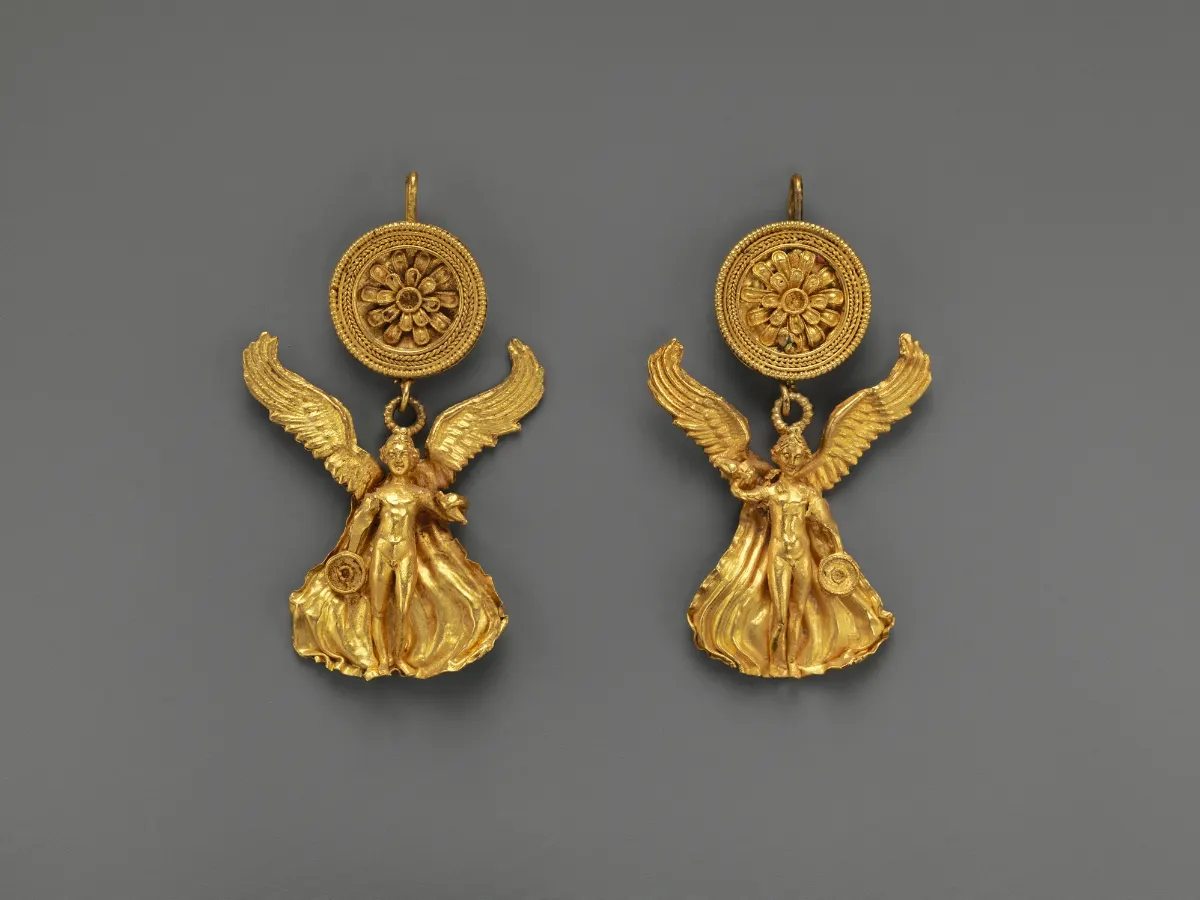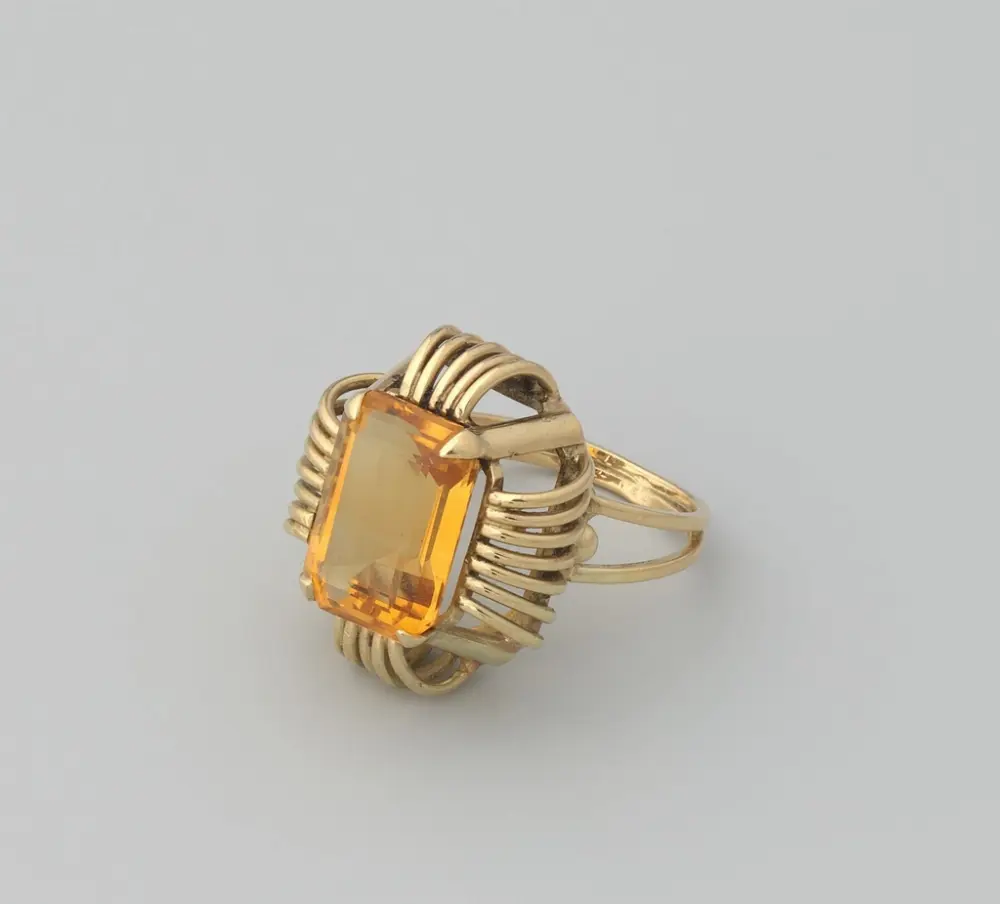
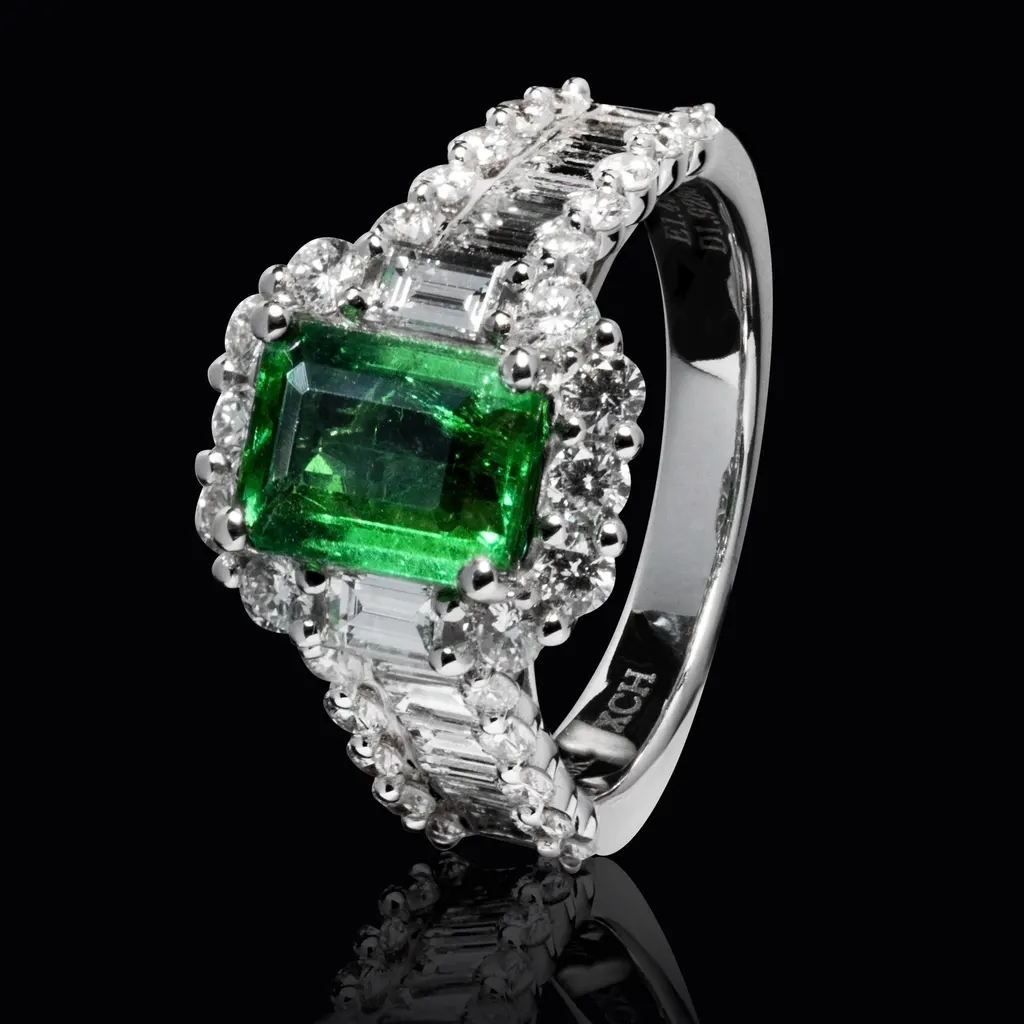
Gemstones are some of the hardest things to photograph well. A diamond that sparkles beautifully in your hand can look grey and lifeless on camera. A sapphire can turn almost black, an emerald can shift towards blue, and an opal's play of color can disappear completely. The camera does not see stones the way your eyes do, so the techniques that work for a plain gold band are not enough.
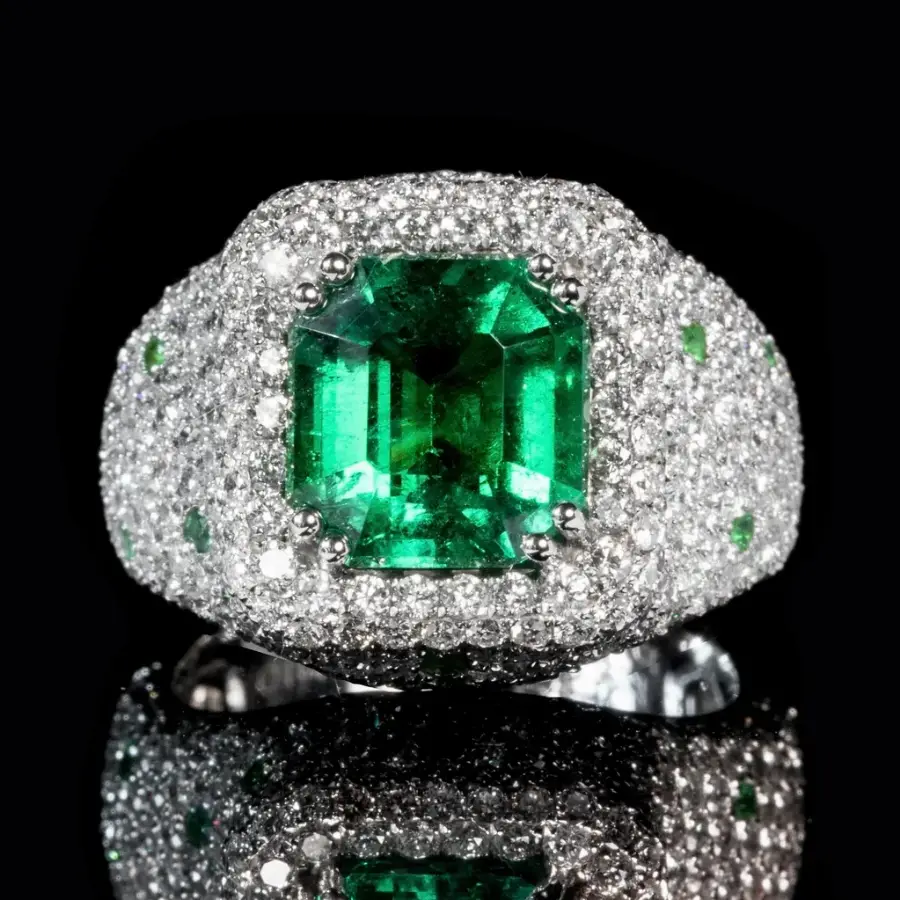
This guide focuses on how to photograph gems and jewelry set with stones. You will learn how light behaves inside a gemstone, which lighting creates brilliance and sparkle, how to keep colored stones accurate, how to handle tricky materials such as opals and pearls, how to photograph loose stones, and how to get the whole piece sharp with focus stacking. If you are new to jewelry photography in general, start with our jewelry photography guide, our step-by-step guide to photographing jewellery and these lighting tips for better jewelry photos, then come back here for the gem-specific details.
Why Gemstones Are So Hard to Photograph
A gemstone is not a solid surface. Light enters it, bounces around inside the facets and comes back out, so what you see depends on where the light comes from, where the camera is and what surrounds the stone.
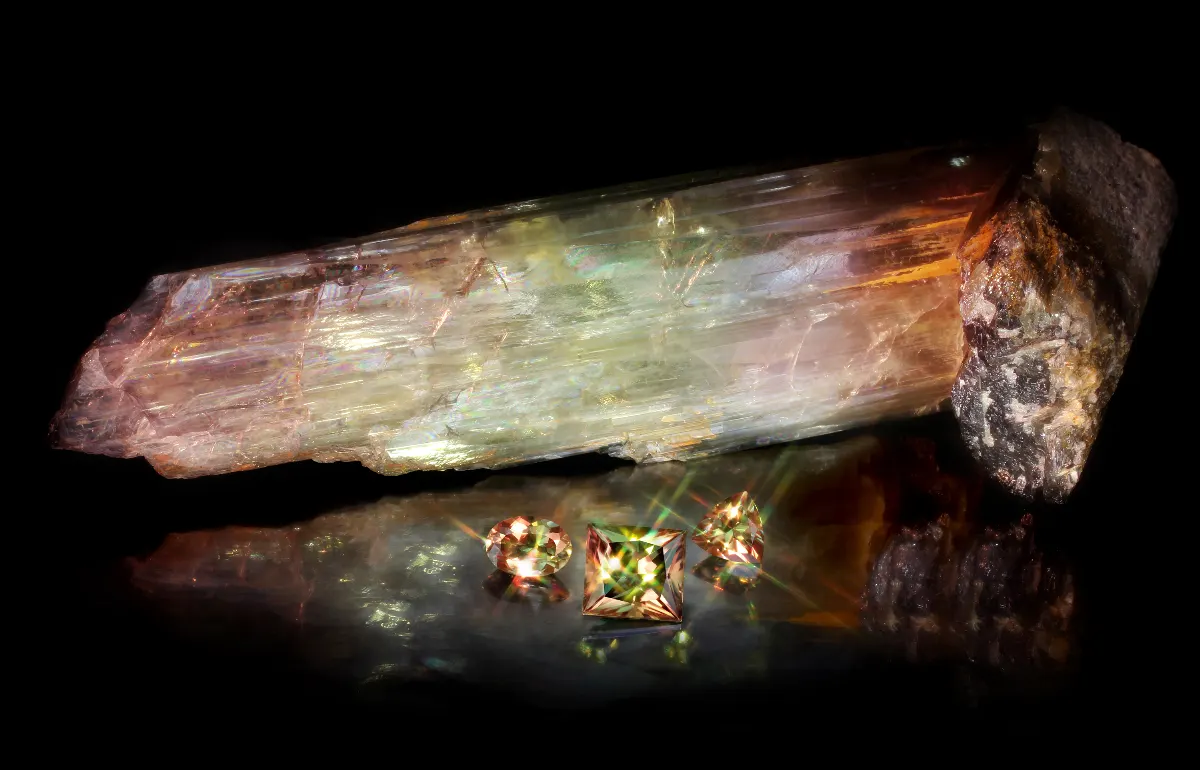
Three things make this difficult:
- Stones reflect their surroundings. A clear stone placed on a dark table or near a black camera will show dark areas inside it.
- Small movements change everything. Turning a ring a few degrees can make a stone go from bright to dull.
- Cameras record color differently from the eye. Mixed or tinted light that your brain corrects for automatically will show up as a color cast in the photo.
The good news is that all three can be controlled with deliberate lighting, a clean environment and careful camera settings.
Understanding Brilliance, Fire and Sparkle
Before setting up lights, it helps to know what you are trying to capture. The Gemological Institute of America (GIA) describes three key visual effects in a diamond's cut quality:
- Brightness, often called brilliance, is the effect of all the white light reflected from inside and outside the stone, and GIA notes it is best observed under diffused lighting.
- Fire is the flashes of rainbow color created when white light is split into spectral colors as it passes through the stone.
- Scintillation is the combination of sparkle and pattern: the flashes of light that appear when the stone, the viewer or the light moves, and the arrangement of bright and dark areas.
This matters for photography because the effects need different light. Soft, diffused light shows brilliance and an even, bright stone. Small, hard light sources create the crisp highlights that read as sparkle and fire. Most good gem photos use a mix of both.
The Best Lighting for Gemstones
Lighting is the single biggest factor in gem photography. A simple, controlled setup works better than an expensive camera in poor light.
Start with soft, diffused light
Use a light tent, softboxes or diffusion panels so the light wraps around the piece evenly. This lights the metal smoothly, reduces harsh reflections and gives stones a bright, clean base. Continuous LED lights are easy to work with because you can see the effect before you shoot.
Add small points of light for sparkle
Once the base is even, add one or two small, harder light sources, such as a small LED, a spotlight or light bounced from a mirror card. Position them so they hit the facets from the front or side. Move them slowly while watching the screen until the stone shows crisp sparkle without blowing out to pure white.
Use white and black cards to shape the stone
Because stones reflect their surroundings, what is around the piece appears inside it. White cards placed close to the stone make it brighter. Small black cards can add contrast and pattern, which helps a diamond look crisp rather than flat. Small changes make a big difference, so adjust one card at a time.
Avoid mixed light sources
Do not mix daylight from a window with warm room lights or different LED colors. Each source has a different color temperature, and the mix creates color casts that are very hard to correct in colored stones. Use lights of the same type and turn off other lights in the room.
How to Keep Colored Gemstones Accurate
For colored stones, accuracy matters more than drama. A buyer who receives a sapphire lighter or greener than the photo showed is likely to return it.
Set a custom white balance
Photograph a grey card or a white card under your lights and set a custom white balance from it. This gives a neutral starting point so the stone's own color is recorded correctly, rather than the color of your lights.
Shoot in RAW
If your camera supports RAW files, use them. RAW keeps more color and highlight information than JPG, which gives you far more room to correct white balance and recover bright facets later without damaging the color.
Compare with the real stone
After editing, view the photo next to the real stone under daylight-balanced light. Adjust until they match. For high-value stones, a calibrated monitor makes this comparison much more reliable.
Watch saturation
It is tempting to boost saturation to make a ruby or emerald look richer. Small adjustments are fine, but strong saturation quickly makes stones look fake and misrepresents the product.
Photographing Tricky Gems and Materials
Some materials need a slightly different approach.
Diamonds and clear stones
Clear stones show their surroundings more than any other gem. Keep the area around the piece white or light grey, use white cards to keep the stone bright, and add a small point light for sparkle. If the stone looks grey, the camera or a dark object is probably reflecting in it.
Dark stones such as sapphires and emeralds
Deep blue and green stones can look almost black on camera. Bring a light source closer or place a light behind or below the stone where the setting allows, so light passes through it and reveals its true color.
Opals and play of color
An opal's flashes of color change with the angle of light and view. Try several angles and light positions, and take many shots. A short video clip that shows the play of color as the stone moves can be more convincing than any single photo.
Pearls
Pearls have a soft, glowing surface called luster. Use soft, diffused light to show it, and avoid hard lights that create small, harsh hotspots. Keep the background clean, because pearls reflect it just like metal does.
How to Photograph Loose Gemstones
Loose stones are often sold online, especially by gem dealers and custom jewelers, and they need extra care.
- Hold the stone steady with gem tweezers, a small stand or a clean stone holder, so it does not move between shots.
- Photograph the face-up view, which is how the stone will be seen when set, plus side views to show depth and shape.
- Clean the stone thoroughly with a lint-free cloth just before shooting. Every fingerprint and speck of dust is magnified.
- Keep the background plain and consistent, typically white for a catalog or a soft grey to help light stones stand out.
- Include a scale reference in at least one image if size matters to buyers, such as a ruler or a common object, and state the measurements in the listing.
Camera Settings and Focus Stacking for Gems
Gems are small, so you are working close to the subject, where depth of field becomes very shallow.
Use a macro lens or close-focus setting
A dedicated macro lens lets you fill the frame with a small stone. Many smartphones also have a macro or close-up mode that works for simple shots. Use a tripod either way, because even small movements blur detail at close range.
Choose an aperture carefully
Closing the aperture, for example to around f/8 or f/11, increases how much of the piece is sharp. Going much smaller can soften the image because of diffraction, so test a few settings and check the result at 100 percent.
Use focus stacking for complete sharpness
Focus stacking means taking several photos of the same shot, each focused slightly further back, then combining them in software so the whole piece is sharp from front to back. It is the most reliable way to get a ring, its stone and its setting all in focus at once. Many cameras can do this automatically, and software such as Photoshop can blend the images.
Keep ISO low and use a timer
Use a low ISO for clean, noise-free images, and a timer or remote release so pressing the button does not shake the camera. With a tripod, a slow shutter speed is not a problem.
Editing Gem and Jewelry Photos
Even a careful shoot needs editing to look its best. Typical edits include removing dust, correcting white balance, cleaning the background and adjusting brightness so stones look as they do in person. For a clean white background, the piece is usually separated with a clipping path; our guide to editing and clipping your jewelry photos explains how that works.
Specialist edits can help stones in particular. Our diamond polishing service brings back crisp, bright facets, and stone and diamond replacement can create matching color variants from one photo, as long as the result reflects the real product. If you would rather outsource the whole job, our jewelry photo editing service handles retouching from start to finish.
Common Mistakes When Photographing Gems
- Shooting with a dark background or dark objects close by, which makes clear stones look grey.
- Using only one hard light, which creates harsh hotspots and deep black areas.
- Using only soft light, which can make diamonds look bright but flat, with little sparkle.
- Mixing light sources, which creates color casts in colored stones.
- Over-saturating colored gems, which makes them look artificial.
- Shooting handheld at close range, which blurs fine facet detail.
- Skipping cleaning, which leaves dust and fingerprints for hours of editing.
Frequently Asked Questions
What is the best light for photographing gemstones?
Use a combination of soft, diffused light and one or two small, hard light sources. Diffused light gives an even, bright base and shows brilliance, while small point lights create the highlights that show sparkle and fire. Avoid mixing different types of light, which causes color casts.
Why do diamonds look grey or dark in photos?
Diamonds reflect their surroundings, so dark objects nearby, including the camera and a dark background, show up inside the stone. Surround the diamond with white cards, use a light background, and add a small point light so the facets catch bright highlights.
How do I make gemstones sparkle in photos?
Add small, hard light sources aimed at the facets, and move them slowly while watching the screen until crisp highlights appear. Combining soft base lighting with these point lights gives both brightness and sparkle. A short video can show sparkle better than a still photo.
Can I photograph gems with a smartphone?
Yes. Use the macro or close-up mode, a small tripod, soft even lighting and a clean background. Tap to focus on the stone and lower the exposure slightly if facets look washed out. For detailed product images, a camera with a macro lens gives more control.
How do I keep the color of gemstones accurate?
Use lights of a single type, set a custom white balance from a grey or white card, shoot in RAW if possible, and compare the edited photo with the real stone under daylight-balanced light. Avoid heavy saturation, which quickly makes stones look unrealistic.
What is focus stacking in jewelry photography?
Focus stacking combines several photos taken at different focus points into one image that is sharp from front to back. It is useful for rings and gemstones because close-up shots have very shallow depth of field, which leaves part of the piece blurred in a single exposure.
Final Thoughts
Learning how to photograph gems and jewelry well is mostly about controlling light. Start with soft, even light for brightness, add small point lights for sparkle, surround clear stones with white, and keep colored stones true with a custom white balance and careful editing. Use a tripod, a macro lens and focus stacking so every facet is sharp.
Great photography and careful editing work together. If you want your gemstone images to look their best on every listing, explore our jewelry photo editing service or upload a few sample images for a free test edit.