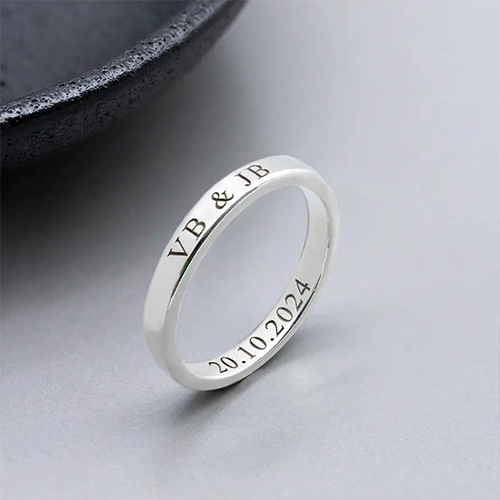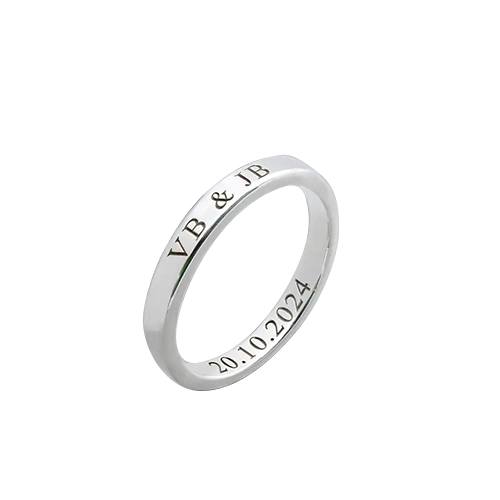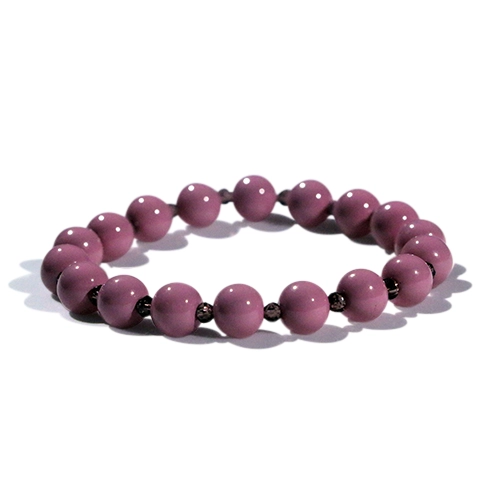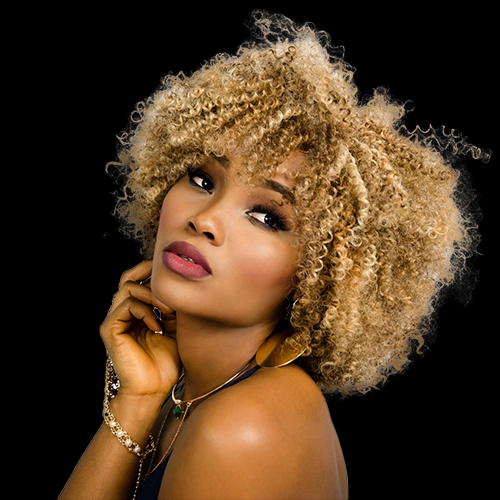
Before
After
Basic Clipping Path
Ideal for simple-shaped products and clean cutouts, perfect for e-commerce and catalog images.
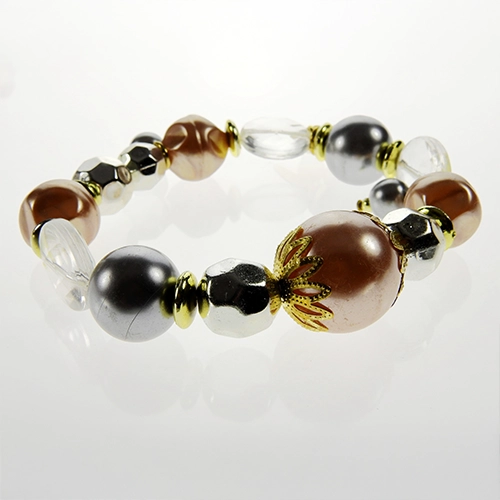
What we do?
- Create precise paths for simple objects
- Remove plain or solid-colored backgrounds
- Maintain sharp, clear edges
- Prepare images for white or transparent backgrounds
- Deliver high-quality output for online and print use
Before
After
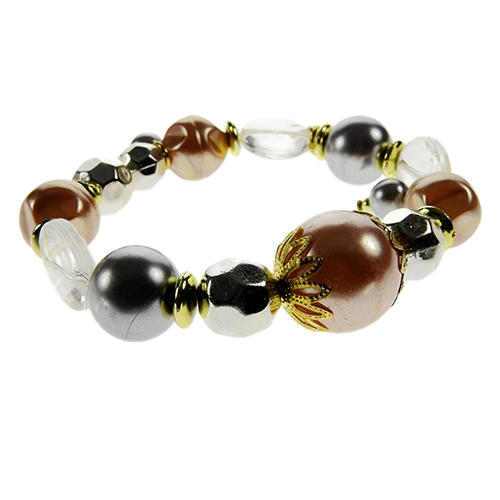
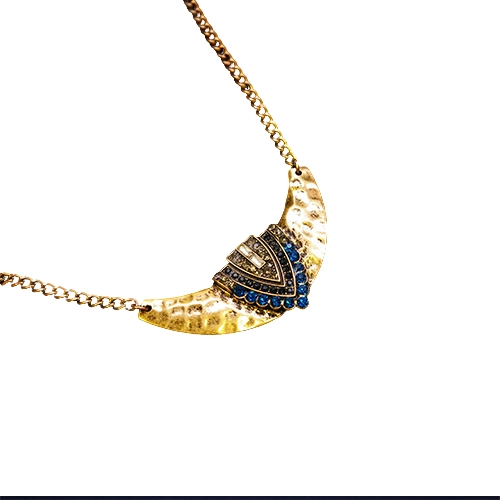
Complex Clipping Path
For products with intricate edges or multiple curves, such as jewelry, machinery, or decorative items.
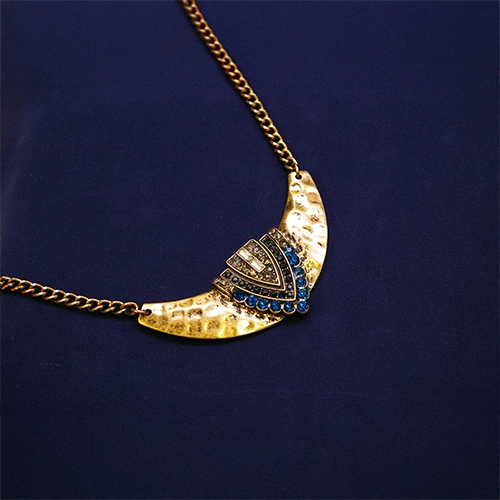
What we do?
- Trace around fine details like chains, holes, or wires
- Remove backgrounds without affecting object clarity
- Adjust lighting edges for a natural cutout
- Keep every intricate part intact
- Provide files ready for editing or publishing
Before
After
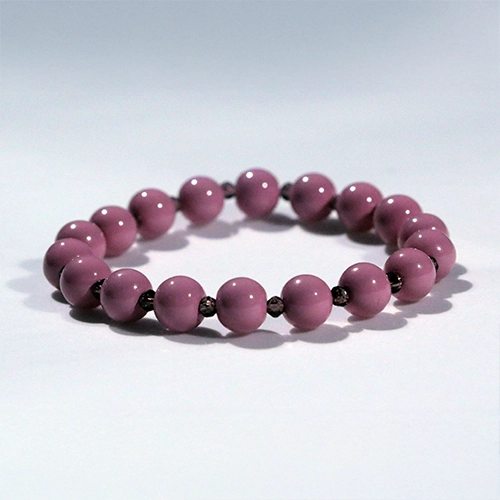
Multiple Clipping Path
Useful when you need different parts of an image to be edited separately for color changes, adjustments, or variations.
What we do?
- Apply paths to individual product areas
- Change colors for product variations
- Adjust brightness, contrast, or shadows in specific parts
- Isolate sections for retouching or enhancement
- Maintain consistent product presentation
Before
After
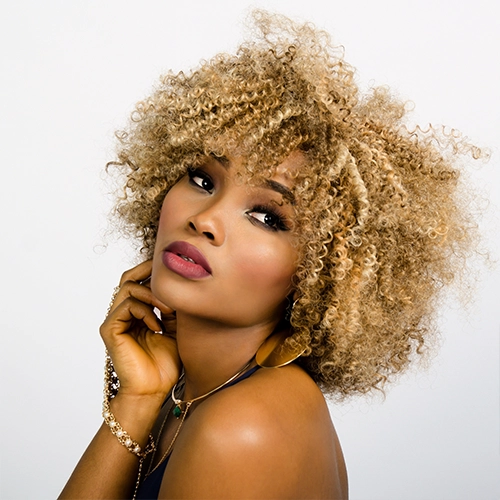
Clipping Path with Shadow
Add depth and realism to your cutouts by including natural, drop, or reflection shadows.
What we do?
- Create natural-looking shadows for products
- Add drop shadows for a floating effect
- Apply reflection shadows for glossy surfaces
- Match shadows with product lighting direction
- Keep shadows subtle and realistic
Before
After
Hair & Fur Clipping Path
Specialized for extracting subjects with soft, fine edges such as hair, fur, or feathers.
What we do?
- Maintain natural strands without rough edges
- Remove complex backgrounds from portraits or animals
- Blend soft edges with new backgrounds seamlessly
- Keep texture detail intact
- Enhance clarity for print or digital use